How to Start Selling on WordPress Using Shopify Plugin

Shopify offers a plugin that lets you “sell on WordPress” combining WordPress’ content capabilities with Shopify’s checkout, security, and commerce backend. In this Blog, you’ll learn why you might use Shopify + WordPress, how it works, and a step-by-step setup. Why Use Shopify on WordPres..... Continue Reading
WordPress vs Squarespace: Which Is Better for Freelancers?

When you’re freelancing, your website does more than just showcase your portfolio, it’s your 24/7 pitch. Whether you’re a designer, writer, coach, developer, or consultant, you need a platform that helps you stand out, convert leads, and grow your brand. Two of the most talked-about option..... Continue Reading
How to Add a WooCommerce Cart Icon to Menu Bar
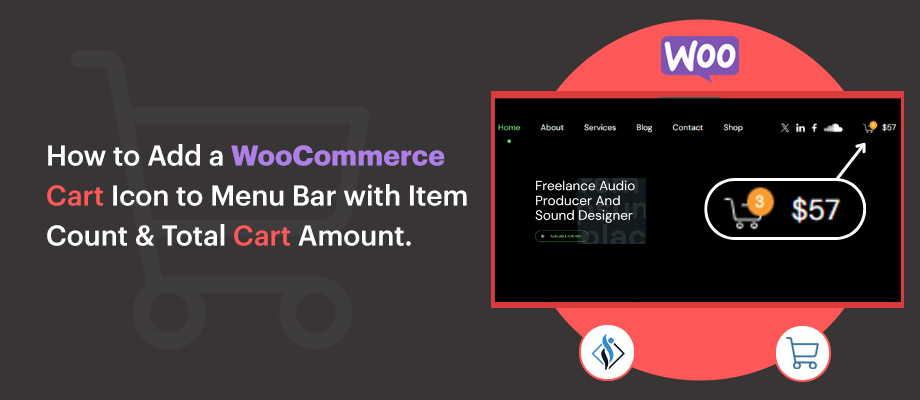
Adding a cart icon to your WooCommerce website’s menu bar is a simple yet effective way to enhance the shopping experience for your customers. It provides a clear visual indicator of the cart’s contents, allowing users to quickly check how many items they’ve added and the total amount with..... Continue Reading
How to Resolve the “The Link You Followed Has Expired” Error in WordPress
If you’re a WordPress user, you may have encountered the frustrating “Link You Followed Has Expired” error. This message typically appears when you attempt to upload files or install plugins and themes, especially when they exceed certain size limits. While this issue can be annoying, ..... Continue Reading
Query Loop in WordPress: A Complete Guide From Functionality to Setup

When building a dynamic WordPress website, the key is to have good content like pages and posts. All of this content is stored in your website’s database, ready to be shown when needed. But how does that work? WordPress uses something called a Query Loop to pull and display posts from the database..... Continue Reading