5 Best WordPress Payment Plugins for Secure Transactions


There are many WordPress payment plugins in the WordPress.org directory, but choosing the right payment plugin for your WordPress site is crucial. A good payment plugin not only ensures smooth and secure transactions but also enhances the user experience, potentially increasing your sales and conversion rates. With a plethora of options available, picking the perfect one can be a daunting task.
To simplify your selection process, we have curated a list of the 5 best WordPress payment plugins. Each plugin comes with its own unique set of features and factors to consider based on your specific needs.
What is Payment Plugin?
A third-party tool / service provider that integrates with your online store for processing and accepting online payments made on your eCommerce store. A payment plugin gathers the information of your consumers and processes the payment via multiple options like debit cards, credit cards, e-wallets, and many more.
Which factors to look before selecting payment plugin in WordPress?
- Notifications and Alerts
SMS notification and mail alerts will let the consumers get the confirmation of payment as soon they make it. As an admin, you will be notified also if the payment is received. - Security of Payments
Security must be prior to others when it comes to financial transactions. Make sure that your payment plugin works as per measures of SCA (Secure Customer Authentication). - Refund Policy
Due to any reason, if your customers want their money back; make sure you provide them with easy refund options and without any complexity. - Multiple Payment Options
Select the payment plugin which offers a wide range of payment options to your customer. Get the plugin that provides payment choices like credit / debit cards, Google Pay, Amazon Pay, internet banking, and more. - Tracking of Payments
Choose a payment plugin that accurately stores customers’ details with their payment tracking and shows them in your WordPress dashboard. - Fees
Always select wordpress payment plugin that offers the lowest fees compared to other payment plugins available in the market. It will be helpful for both – you and your customers. - Customer Support
A payment plugin that provides good customer support will be more helpful because you are dealing with customers’ personal and monetary information.
What is the importance of selecting right payment plugin?
The customers will leave your online store before doing any purchase if they don’t find a preferred and reliable way to make payment. A bad payment plugin can prevent your customers from returning to your website due to the failure of the payment process. It will be a good move if you select the right payment plugin for your online business store.
Top 5 Payment Plugins for WordPress
1. PayPal

PayPal is one of the most used WooCommerce payment gateway plugins for online eCommerce stores built with WordPress CMS. The plugin is built and managed by WooCommerce and PayPal. There are more than 426 million active users of it. PayPal supports multiple payment methods. This plugin allows users to securely receive payments from customers all over the world. With a user-friendly interface and strong security features.
Key Features
- 24/7 Account Maintenance & Security: PayPal prioritizes the security of your transactions with round-the-clock account maintenance, advanced encryption, and fraud protection measures.
- PCI Compliance: Ensuring an easy payment process for customers, PayPal complies with the Payment Card Industry (PCI) standards.
- Transparent Fees: The platform charges a fee of 2.9% + $0.30 per transaction, maintaining transparency with its users.
- Global Reach: Available in over 200 countries and supporting 25+ currencies, PayPal facilitates international transactions effortlessly.
- Cost-Effectiveness: Setting up PayPal is free, with no hidden monthly fees, making it an attractive option for businesses of all sizes.
2. Stripe

Founded in 2010, Stripe has rapidly risen to become one of the most popular payment gateways. Stripe is a strong competitor of PayPal in the market for online payments. The plugin has more than 900,000 active installations. With the Stripe plugin, you can accept payments directly on your website using Stripe’s API.
Key Features
- Availability: Stripe’s services are accessible in more than 46 countries, accepting payments in 135+ currencies.
- Fees: Similar to PayPal, Stripe charges a standard fee of 2.9% + $0.30 per transaction.
- Merchant Account Flexibility: Users are not required to set up a separate merchant account, streamlining the online payment process.
- Secure Transactions: Stripe ensures secure payments and supports both full and partial refunds, enhancing customer trust.
- Automatic Email Receipts: For customer assurance, Stripe automatically generates email receipts after each transaction.
3. WPForms

WPForms is a beginner-friendly WordPress plugin. It offers built-in drag and drop payment forms to accept online payments flawlessly. WPForms has 6M+ active installations. It is well-suited for small businesses to make customized payment forms. You can also make a catalog by listing your services and products in the form.
Key Features
- Customer Tracking and Management: WPForms offers advanced features for tracking customer interactions and managing their data efficiently.
- Anti-spam Protection: The plugin includes built-in anti-spam measures to protect your website from malicious activities.
- Automatic Email Notifications: Send timely emails to both customers and admins, keeping all parties informed about transactions.
- Customizable Payment Forms: Tailor your payment forms to match the specific needs of your website, improving the user experience.
- Analytics: Gain insights into user behavior and preferences with detailed analytics, helping you make informed decisions.
4. WP Simple Pay
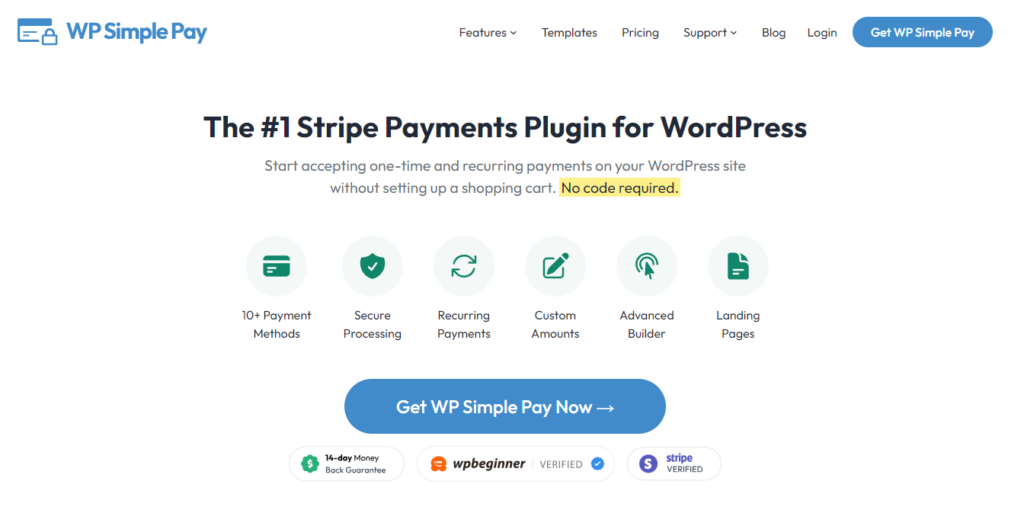
WP Simple Pay is a user-friendly WordPress plugin designed to simplify the process of accepting payments on your website without requiring complex setup or extensive technical knowledge. WP Simple Pay services are accessible in more than 40 countries, accepting payments in 135+ currencies.
Key Features
- No Code Setup: WP Simple Pay allows you to easily integrate Stripe payment solutions into your WordPress site without the need for coding. This makes it an ideal choice for non-developers who want to add payment options quickly and effortlessly.
- Customizable Payment Forms: The plugin offers the flexibility to create custom payment forms that fit the look and feel of your website. You can adjust form fields, design elements, and more to ensure a seamless user experience that matches your brand.
- One-Time and Recurring Payments: WP Simple Pay supports both one-time payments and recurring subscriptions. This feature is especially useful for businesses offering memberships, services, or subscription-based products, providing versatility in how you accept payments.
- Secure Payment Processing: Ensuring the security of transactions, WP Simple Pay leverages Stripe’s robust security measures. Your customers can make payments confidently, knowing their data is protected by industry-leading security standards.
5. MemberPress
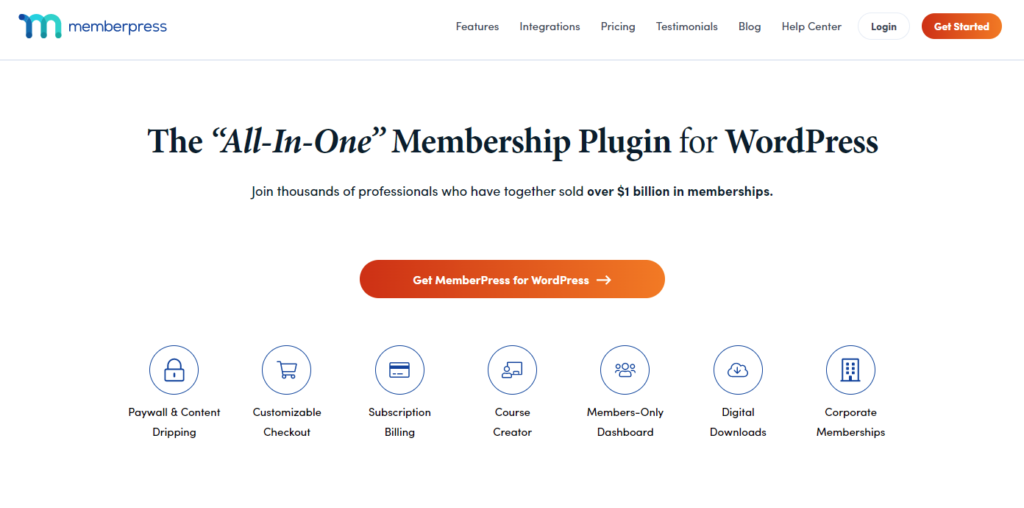
MemberPress is not only the best membership plugin for WordPress. It has 200,000+ active installations. MemberPress is best plugin for selling online courses or adding a membership option to your website. It also integrates flawlessly with all best WordPress themes.
Key Features
- Subscription Models: MemberPress excels in handling recurring payments and subscription-based models, ideal for membership sites.
- Exclusive Content Protection: The plugin enables you to lock specific content or downloads, adding value to your membership packages.
- Ease of Setup: With a user-friendly setup process, MemberPress is accessible to website owners of all skill levels.
- Integration Capabilities: Seamlessly integrate with leading payment gateways like PayPal and Stripe for comprehensive payment solutions.
- Dedicated Support and Reporting: Benefit from exceptional customer support and access powerful reports to track your site’s performance.
In this digital age, every customer wants fast and secure payment checkouts. For the protection of users’ privacy, you must install best WordPress security plugin. Secondly, If your online business store is not scalable enough for high traffic then you must lose a large customer base. So always do research and find ways to scale a WordPress website for high traffic.
FAQs About WordPress Payment Plugins
Can you accept payments on WordPress?
Yes, WordPress Payment Block will allow you to collect one-time payments and also recurring payments of your online business website.
Is Stripe free for WordPress?
Yes, with the Stripe payment plugin for WordPress, you can easily accept online payments on your WordPress website.
Does Stripe work with PayPal?
No, you can’t integrate Stripe and PayPal. But yes, you can use both payment plugins separately on your business website to accept online payments.
Over To You!
Did you know? WordPress has 62% of the market share in CMS (Content Management System). You choose WordPress and created your online business store with utmost care.
If you are confused about the right payment plugin, Not to worry our WordPress developers are here to help you integrate the best WordPress payment plugin as per your business needs.
I am Sr. WordPress Developer at Samarpan Infotech. I love to optimize code because I believe in "An average developer can write code that a computer can understand. But Passionate programmer write code that humans can understand".